USING THE CONFIGURATOR
-
Configure ALL options prior to coloring. If not, colors will reset when certain options are selected and need to be adjusted.
-
Additional information can be noted in the SPECIAL INSTRUCTIONS section
-
You can find images of JC Stitching and Contrast Stitching examples on the OPTIONS page of our website
-
Embroidery Selections will only be applied to container once “apply to container” is selected
-
*NON-COLORED sections will default to WHT when submitting your configuration
-
*Not configured for mobile use


FAQ
How do I navigate the configurator?
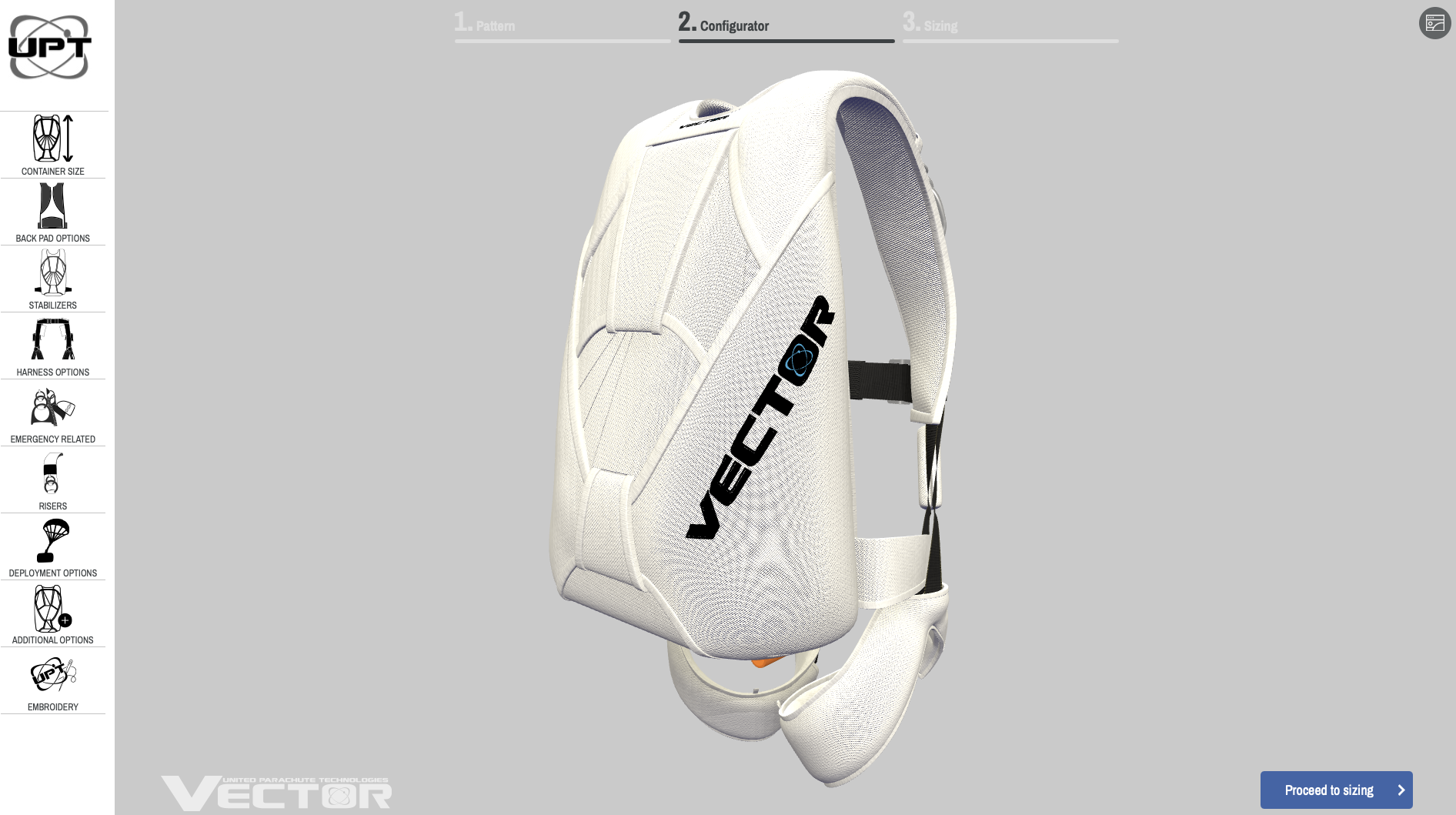
Choose the class of container first (student, sport or tandem). For sport, you will pick from 9 pattern configurations to start your design. Then you will select from the menu on the left through each step of your configuration. Once completed, you can move on to coloring your design with the tabs located at the bottom of the screen (cordura, trim tape, harness). When choosing center flap piping, hackey and/or monkey fist handles, a new tab will appear on the bottom menu for coloring choices. Finally, proceed to sizing where you will input your measurements or refer to an existing container serial number in the line provided. Any additional special instructions would be provided at this time. You will then be ready to submit your order to the dealer chosen from the selection list.
How do I choose a trim tape color when the cordura color is non-solid?
First, select the solid Cordura color you want for the trim tape. Then replace the panel with your desired non-solid color or pattern.
Example: Select TAN Cordura for TAN trim tape, then change the panel to CAMO_DE. Your finished panel will have CAMO_DE Cordura with TAN trim tape.
This applies to all split designs and Babylon backpads.
What if I don’t have a dealer?
Your dealer can be selected from the drop down menu to help you process your order. UPT has a network of approved Dealers which can be selected from our UPT DEALER MAP.
How long does it take to get my new Vector?
Navigate to the top of the homepage for up to date scheduled delivery times available for production.
Can I make changes after submitting my order?
Changes on orders should not be sent through the ordering program as they won’t be taken into consideration. UPT will not be responsible for any missed change requests made after an order has been accepted that were not requested via email. Any changes to container orders that have already been accepted MUST be requested via email prior to production.